








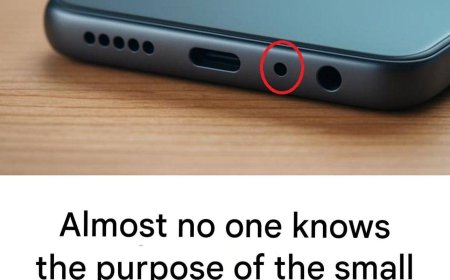

What is the purpose of the small hole next to the charging port on a smartphone — and why is it so important?

3.
What is the purpose of the small hole next to the charging port on a smartphone — and why is it so important?
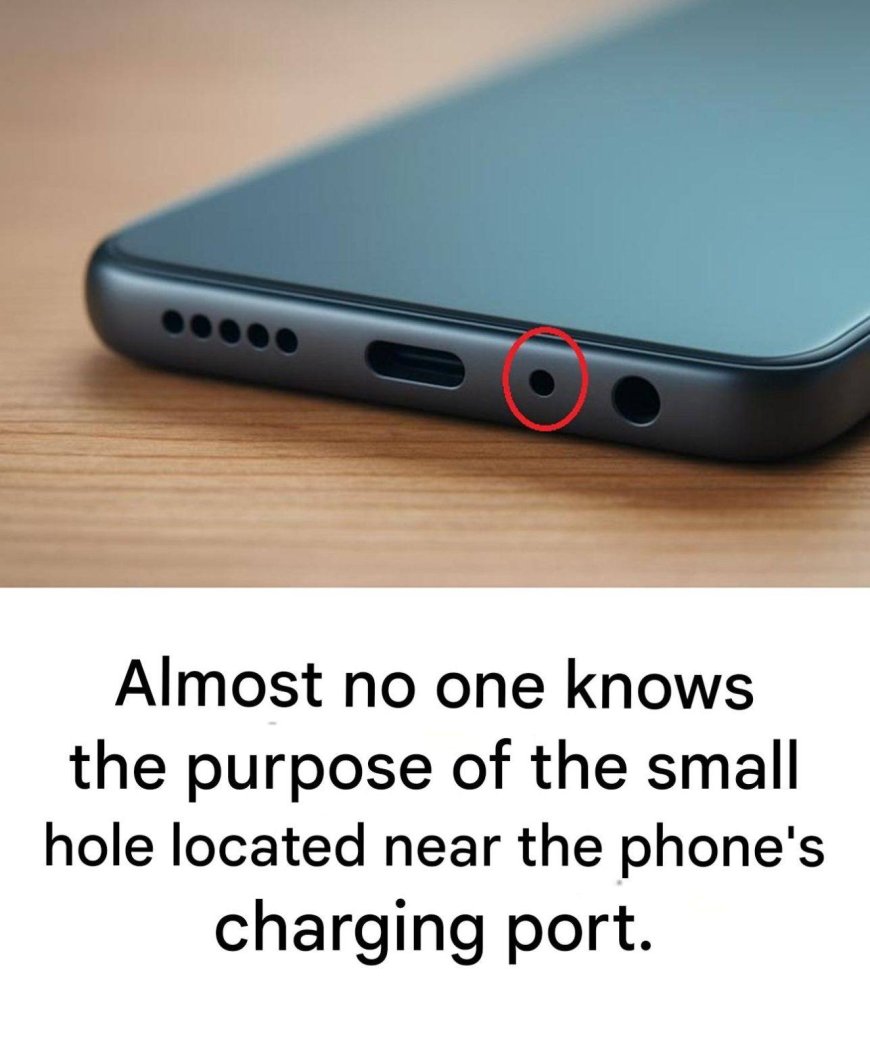
You've probably already noticed it: right next to your smartphone's charging port is a tiny hole, so discreet that it almost never gets noticed. Many people think it's for ejecting the SIM card (spoiler alert: not at all), while others imagine it's simply an aesthetic feature. And yet… this minuscule detail plays a crucial role in how your phone hears you—and especially in how others hear you. It's such an essential role that improper handling can actually affect the quality of your calls. Intrigued? We'll explain everything.
A real microphone hidden in plain sight
Contrary to popular belief, the SIM card ejection hole is located on a clearly identifiable flap and can only be opened with the designated tool. The small hole near the charging port, however, is actually an additional microphone.
Why a microphone at the bottom when there's already one at the top? Because modern smartphones no longer use a single microphone: they combine several to capture cleaner, clearer, and more precise sound. This is what's known as a noise-canceling microphone.
What is the actual purpose of this microphone?
To make your calls clearer
The microphone located near the charging port picks up background noise (wind, traffic, the ambiance of a café, etc.).
The phone then compares this ambient noise to the sound of your voice to filter out what isn't needed. The result: your caller hears you more clearly, even outdoors or in noisy environments.
To improve your videos
When you film, several microphones work together to produce a more natural, more "spatial," almost immersive sound. This small hole directly contributes to this three-dimensional ambient effect.
To optimize voice commands
Voice assistants, dictation, memos, searches… All these tools require very precise sound capture. Thanks to this secondary microphone, your smartphone understands you better—even if there isn't complete silence.
Why you should never insert an object into it
Because it's tiny, some people mistakenly insert a paperclip or a needle, thinking they're opening the SIM card. Bad idea: this hole doesn't contain a mechanism, but a fragile membrane.
If it gets punctured or shifts, the consequences are immediate:
your voice becomes muffled during calls;
noise reduction no longer works;
videos record low or distorted sound;
voice commands struggle to understand you.
As for repairs, they are often expensive: the microphone is usually soldered to other internal components.
How to properly maintain it (without damaging anything)
Good news: it only requires very light maintenance. A little dust may accumulate, but a few simple steps are enough:
use a small, soft brush (like a clean eyebrow brush);
or gently blow on it with a blower bulb;
or lightly wipe the surface with a dry cotton swab.
Absolutely avoid: paper clips, pins, toothpicks, needles, or any sharp or metallic object.
A tiny detail… but essential
That small hole next to the charging port, so discreet it's often mistaken for a design detail, is actually a valuable ally. It ensures clear calls, crisp video audio, and accurate voice commands.
Proof that even in our ultra-modern smartphones, the smallest components are sometimes the most essential.